SheetHandy › Task reminder emails from Google Sheets
Task reminder emails from Google Sheets
Most guides on “Google Sheets email reminders” end with you copying an Apps Script, setting up a trigger and debugging it. SheetHandy Tasklist does it for you: every morning, each person gets one email listing their tasks that are due today or already overdue.
The morning email
[Reminder] 4 tasks due / overdue
Hi Anna, you have 4 tasks due today or overdue:
How it works
- Your tasks live in a Google Sheet you own, one row per task with due date, time and assignees.
- A daily trigger runs at the hour you choose and collects every task that is due today or overdue.
- Each person gets one email — grouped by board, without duplicates when a task is shared between boards. The owner can also receive a team summary.
- Emails are sent from your own Google account, so they land in the inbox like a normal message.
DIY script vs. SheetHandy
- DIY: copy a script, edit column numbers, add a trigger, fix it when someone moves a column — and you still only get emails, not a task board.
- SheetHandy: reminders, a drag-and-drop board, calendar view, recurring tasks, daily reports and Google Meet booking, already set up. One-time price.
Try SheetHandy Tasklist
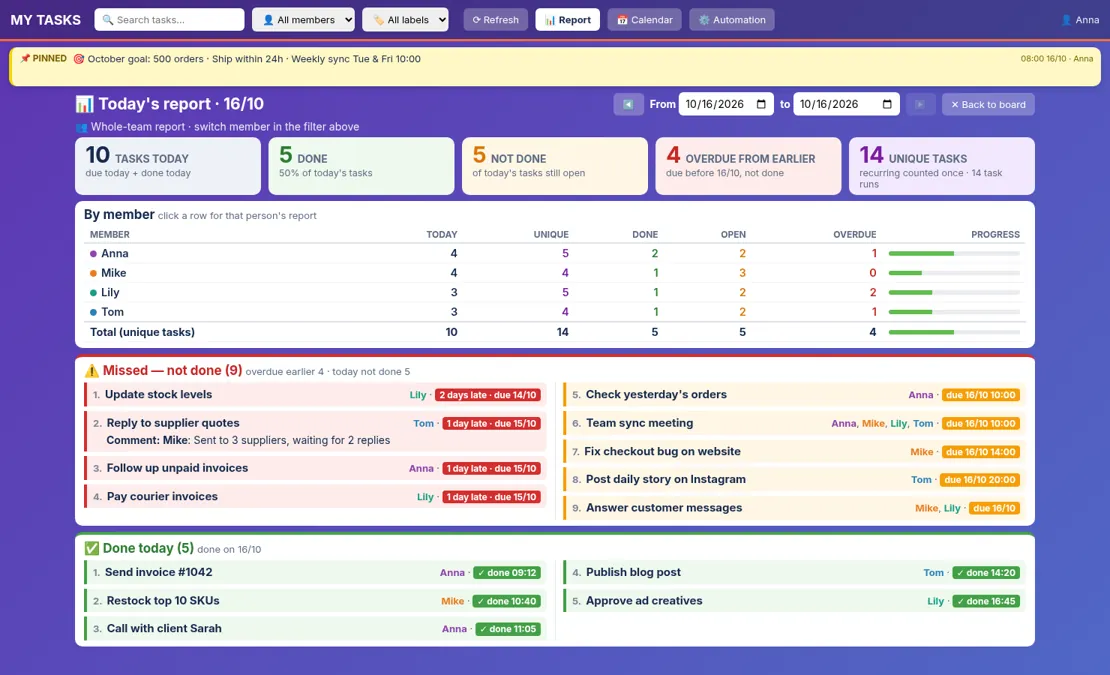
Board, calendar view, recurring tasks, Google Meet booking, morning reminder emails and daily reports — in your own Google Sheet. Personal $29, Team $59, one-time.
See plans See all featuresFAQ
Do I need to write code?
No. Everything is already built. You approve Google’s permissions once during setup.
Can I pick the email time?
Yes. Set the reminder hour in the Settings tab, for example 8 AM in your time zone.
Too many emails for my team?
No. Each person gets at most one reminder email per day, across all boards.